
How AI and GitHub Can Work Together to Continuously Improve Your Code
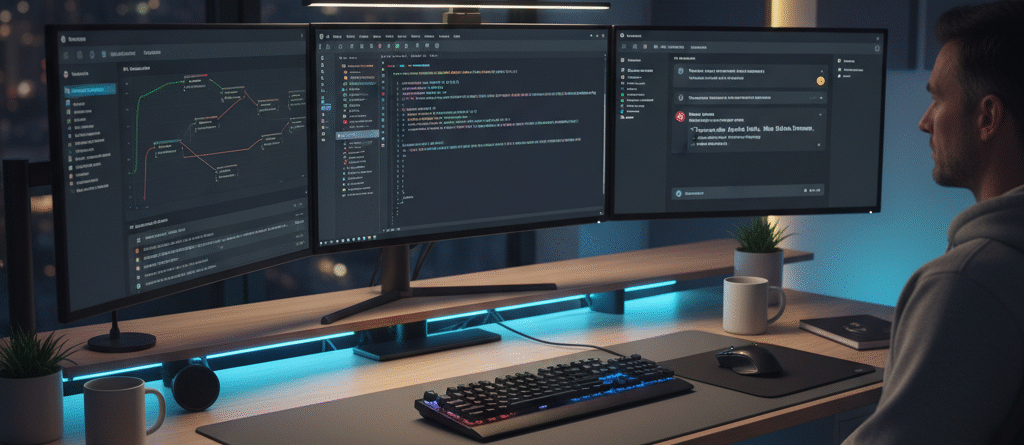
At Xtream Solutions, we believe the future of software development lies in collaboration between humans and AI.
Instead of replacing developers, tools like Claude, GitHub, and VS Code can work together to form an intelligent development cycle — one that constantly improves code, preserves context, and helps teams move faster without losing control.
We call this process the AI + Git Continuous Development Loop — and it’s transforming how our engineers (and our clients) build digital products.
🔁 What Is the AI + Git Continuous Loop?
Think of it as a conversation between your AI assistant, your source code, and your version history.
At its core, the loop connects three environments:
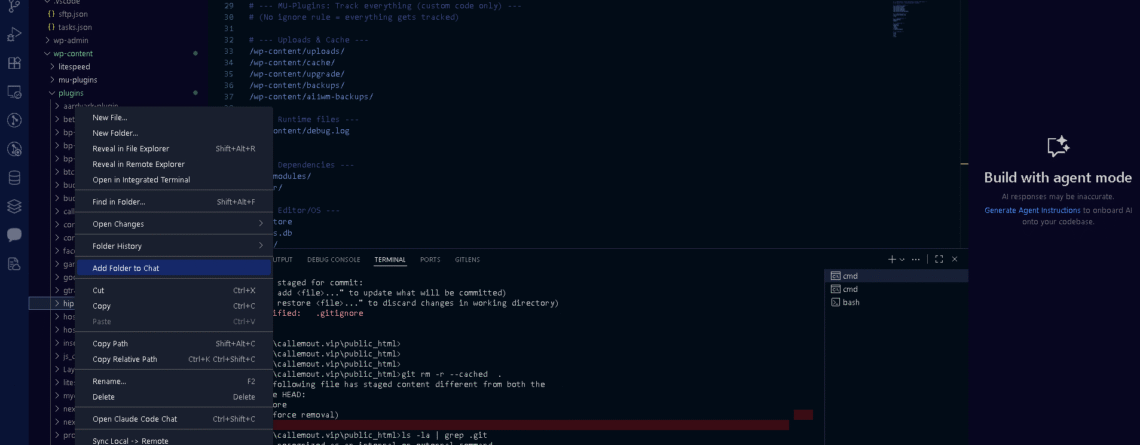
- 🧑💻 VS Code – where you actually write and test code
- 🤖 Claude AI (or your AI assistant) – for architecture reasoning and reviews
- 🧭 GitHub – the shared memory that tracks every change
Here’s how it flows:
VS Code → GitHub → Claude → VS Code
This loop turns development into a living process — each change is reviewed, reasoned about, and improved continuously.
⚙️ How the Workflow Actually Works
1️⃣ Edit Locally in VS Code
Use Copilot, ChatGPT, or write manually. Make your code changes in your local project folder.
At Xtream Solutions, our developers often work on WordPress, Node.js, and n8n-based automations locally first.
2️⃣ Commit and Push to GitHub
When your changes are ready:
git add .
git commit -m "Refactor lead capture API routing"
git push
This updates your repository — the single source of truth.
3️⃣ Let Claude Review the Code
Inside your Claude Project, which is linked to your GitHub repo, ask:
“Review the latest commit and summarize what changed.”
Claude instantly analyzes your repo, detects differences, and provides:
- A summary of what changed
- Suggestions for performance or security improvements
- Next steps for your development plan
4️⃣ Apply and Repeat
You make those updates locally, commit again, and push.
The loop continues — an AI-powered feedback cycle that never loses context.
💪 Why This Approach Works
🔹 AI Remembers the Plan
Claude can recall why you made certain design choices — something traditional IDEs can’t do.
🔹 Git Keeps the Truth
GitHub remains the permanent, versioned record of your project’s evolution — AI just helps you make better decisions along the way.
🔹 Multiple AIs, One Workflow
You can use Claude for reasoning, ChatGPT for code generation, and Copilot for inline assistance — all feeding into GitHub as the shared collaboration layer.
🔹 Complete Transparency
Every AI-driven suggestion is recorded as a commit, so there’s always a paper trail.
🧰 Xtream Solutions Workflow Example
Here’s how we use this internally at Xtream Solutions:
| Tool | Function |
|---|---|
| VS Code | Local coding environment for WordPress & Node projects |
| Claude (Web/Project) | Architecture planning, reviewing Git diffs, suggesting next tasks |
| GitHub | Central version control + AI memory sync |
| Hostinger (SFTP) | Live deployment environment for production sites |
When we push a commit, Claude automatically analyzes it and helps plan the next iteration — ensuring our team and AI stay aligned.
🧭 Best Practices for Developers
- Keep commits small and descriptive — it helps AI understand intent.
- Push often — every commit is a checkpoint AI can analyze.
- Use
.gitignorewisely — don’t clutter your repo with temporary or sensitive files. - Let Claude review
git diffoutputs before merging — it can catch logic or naming inconsistencies. - Use Git branches for experimentation and let AI review them before merging.
⚡ Pro Tip — The Claude + Git Project Template
Want to try this workflow yourself?
Here’s a Claude “project instruction” you can paste into your Claude workspace:
“You are my AI development partner.
The main repo is at [insert GitHub URL].
Always review diffs, summarize commits, and suggest improvements aligned with the previous architecture goals.”
Simple — but extremely powerful.
🔒 Why Xtream Solutions Implements This for Clients
We don’t just talk about AI-powered development — we deploy it.
By combining human engineering expertise with structured AI feedback, our team builds scalable, intelligent systems that evolve continuously over time.
For clients, this means:
- Faster iteration cycles
- Fewer regressions
- Cleaner, more maintainable code
- Transparent collaboration across developers and AIs
🧩 Conclusion
The days of coding in isolation are over.
Modern development is a conversation between human creativity, AI reasoning, and version control discipline.
At Xtream Solutions, we help teams build that bridge — using Claude, GitHub, and VS Code to turn your project into a self-improving system that gets smarter with every commit.
📞 Ready to Build with AI?
Let’s design your continuous development workflow together.
📧 Email: consults@xtreamsolution.net
🌐 Schedule a consultation: xtreamsolution.net/contact-us

Leave a Reply